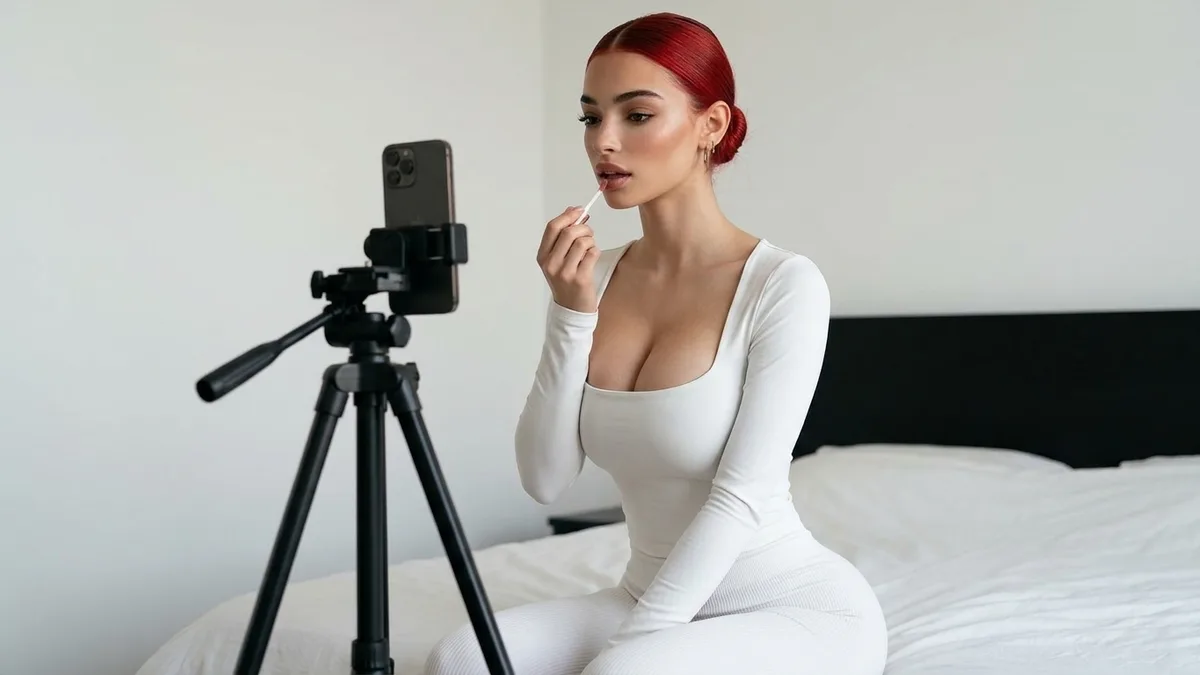
Most guides on how to make AI UGC start with the tool. Start with the product instead. The tool is the easy part. What decides whether the clip works is everything you settle before you press render: who it is for, what it claims, who says it, and what you will change when the first version falls flat.
This is the production walkthrough, in the order the work actually happens. Seven steps, one afternoon, no camera.
What you need before you make AI UGC
Four things. If one is missing, stop and fetch it.
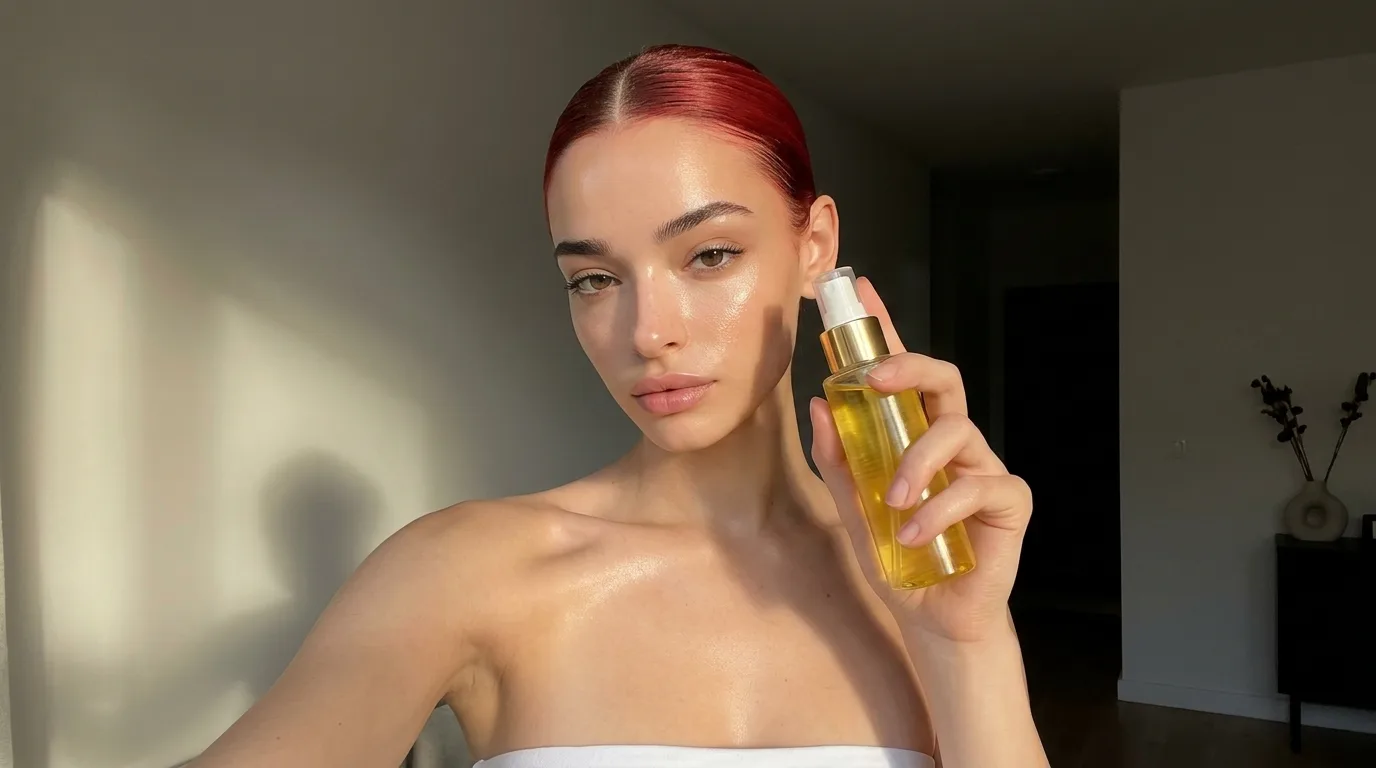
- A product image. Clean, well lit, label readable. The product enters the frame as an image, so a bad photo becomes a bad ad.
- One claim. Not five. The thing this product does that the buyer cares about.
- An actor. The trained AI identity who appears on camera. More on her in step three.
- Somewhere to run it. An ad account or a posting schedule. AI UGC comes with no built-in audience. You bring the distribution.
New to the format? The AI UGC page covers what it is and where it does not belong. This post assumes you have decided to make one.
Step 1: Pick one product and one viewer
The format is narrow on purpose: vertical video, ten to thirty seconds, one person, one product, one claim. So choose narrowly.
Pick the product first. Then write one sentence about the viewer: who they are, what is annoying them, and what they have already tried. "Women who run in the morning and hate a bouncing phone" is a brief. "Fitness enthusiasts" is not.
That sentence does more work than any setting in any tool. It picks the room, the outfit, the tone of voice and the first line of the script.
Step 2: Write the script
A UGC script has four parts: hook, problem, proof, call to action.
Keep it short. Sixty to ninety spoken words fills a twenty-second clip, and the hook has to land in the first second or the rest never gets watched. Write it the way a person talks to a friend, then read it aloud. If you would not say the sentence, she should not either.
Then write three hooks against one body. Same problem, same proof, same call to action, three different opening lines. A few angles worth trying:
- The problem hook: name the annoyance.
- The result hook: open on the outcome.
- The question hook: ask what the viewer is already wondering.
- The objection hook: say the doubt out loud, then answer it.
One rule on proof. Your actor has not used the product, so do not write her a personal result. "I lost the weight" is a testimony she cannot give. "It clips on here and does not move" is a demonstration, and demonstrations are what this format is good at.
Step 3: Cast the actor
The actor is the face your viewer will learn to recognise, so treat this like casting and not like picking a stock photo.
Match her to the sentence from step one. The viewer should see someone plausibly like them, or someone they would take advice from. Then keep her. Recognition is most of what a creator ad buys, and the face in your tenth ad should be the face from your first.
On Famebase an actor is a trained identity, not a rotating stock avatar, and there is no tool for inventing a new face. There are exactly two ways to get one: buy a 1-of-1 from the Marketplace, which arrives already trained, or upload a model you already own and train it. The pricing page shows which plan includes that. Either way, that identity becomes your on-camera talent for every ad after it.
Step 4: Plan the shots
Decide what the camera sees before you generate anything. A short shot list beats a long prompt.
For each clip, write down:
- The setting. Kitchen, car, desk, bathroom mirror. Wherever the product actually gets used.
- The action. Holding it, wearing it, using it. The product should be in the frame early.
- The framing. Straight to camera, walk-and-talk, desk demo, mirror try-on.
In the AI UGC generator, you upload product images and they go into the frame, held, worn or used. Motion control directs the camera move, the pose and the action. The pricing page shows which plan includes product placement and motion control. A walk-and-talk hook and a desk demo are different directions, not different actors.
Stuck for a concept? Feedroll holds 10,000+ concepts that already worked. Pick one, hit Recreate, and it comes back performed by your influencer with the framing intact.
Step 5: Render and review
Now press the button. Then watch the result like a stranger would.
Check four things, in this order:
- The first second. Is there a face, a product and a reason to stay?
- The product. Is the label readable? Is it the right colour and the right size in her hand?
- The delivery. Does the line sound said, or read?
- The claim. Is everything she says true, and something you could back up?
If a line is wrong, fix the line. Rewrite it and re-render that take. You are not rebuilding the ad, and nobody needs rebooking.
Each session also gives you stills from the same face. Save them. They are your statics and carousels.
Step 6: Edit, caption and label
The edit is light. Trim the dead air at the start. Add captions, so the clip still works with the sound off. Keep the framing vertical and the product visible when the call to action lands.
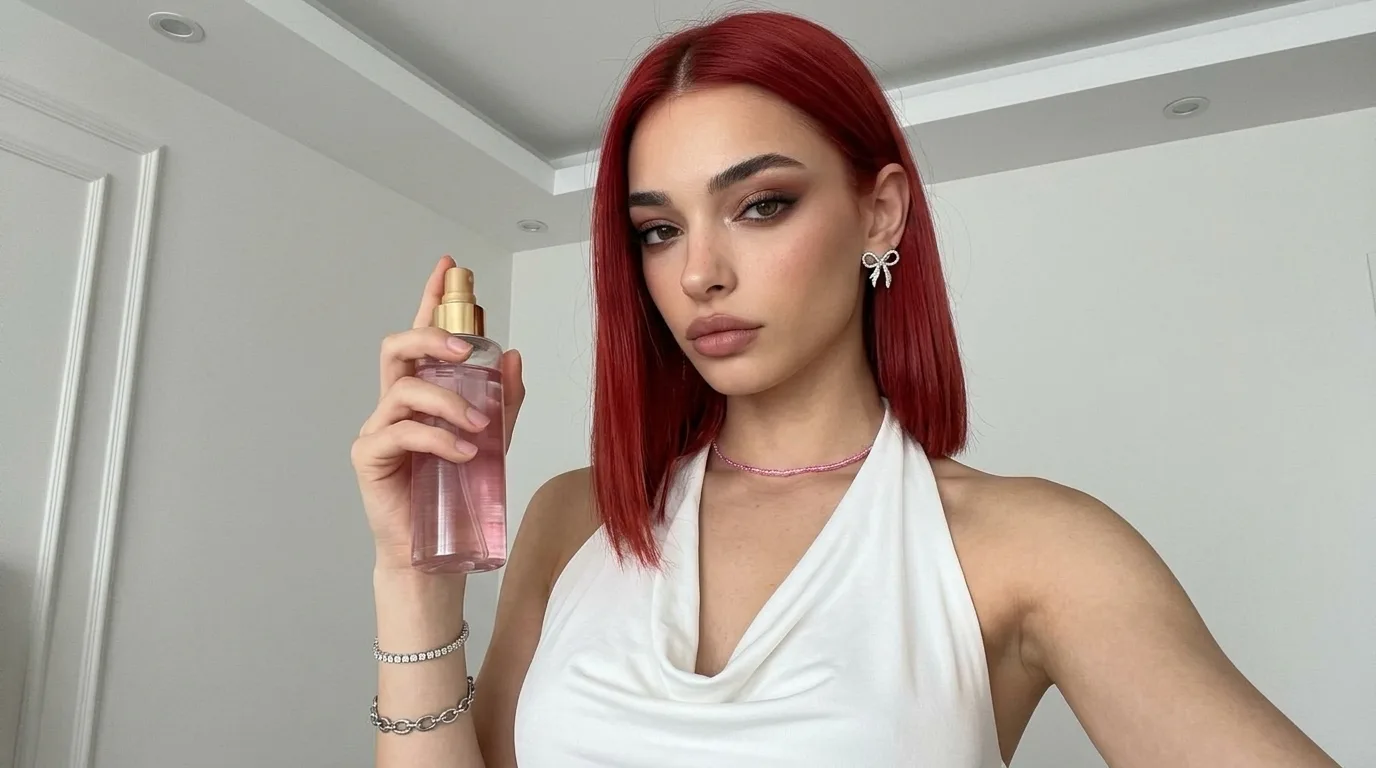
Then label it. At the time of writing, TikTok asks creators to label AI-generated content that contains realistic images, audio or video, and YouTube asks creators to disclose realistic content that was meaningfully altered or generated with AI. Meta has said it will label ads it detects were made or edited with AI tools. These rules change, so read the current policy for each platform before you post.
Labelling is also just good manners. A generated presenter is fine. Passing her off as something else is not.
Step 7: Test, keep the winners, make more
One clip is a guess. A batch is a test.
Put your three hooks into the same campaign with the same body and the same audience. Change one thing at a time, or you will not know what won. Give each enough spend to show a pattern, then keep the ones that survive and retire the rest.
Then go again. New hooks on the winning body. The winning hook on the next product. A different setting for the same script. Another variant costs another render, not another creator fee, which is the whole reason to work this way.
When a concept keeps winning, you have options. Scale it as it is, or hand it to a human creator to film properly, now that you know it works. The AI ad creative page covers testing at volume, and Famebase for brands covers running it across a catalogue.
The mistakes that waste a render
- Five claims in one clip. Pick one. Make another clip for the next.
- A script that reads like a product page. Spoken words are shorter than written ones.
- A new face every ad. You are throwing away recognition.
- Borrowed testimony. If it depends on lived experience, film a real customer.
- One version. If there is nothing to compare it with, you have learned nothing.
Where to start
Pick one product. Write one sentence about the viewer. Write one body and three hooks. That is an hour, and it is the hour that matters.
Then choose the face and render. Plans start from $35 a month, and the pricing page shows what each one includes.
Questions, answered
How do I make AI UGC?
Pick one product and one viewer, write a short script with a hook, problem, proof and call to action, cast a consistent actor, plan the shots, render, add captions and the platform's AI label, then test several hooks against each other.
How long should an AI UGC video be?
Ten to thirty seconds in vertical format is the usual range. Sixty to ninety spoken words fills a twenty-second clip.
Do I need to film anything to make AI UGC?
No. The product enters the frame as an image and the actor is a trained AI identity rendered on demand, so there is no shoot and nothing to ship. You still need a clean product photo and a script.
Do I have to label AI UGC as AI?
Treat labelling as the default. The major platforms have rules on realistic AI-generated media, and those rules change, so check the current policy of each platform before you post.
Can an AI UGC actor give a testimonial?
She can demonstrate a product, but she has not used it, so do not script a personal result for her. For testimony about a real outcome, film a real customer.